1
Describe the Mac issue
Include the Mac type, your city in California, and what you are noticing. Examples: a low-storage warning, a long wait after login, crowded Downloads, or settings you want reviewed after an update.
Process
CleanMac Care starts with a written request, then reviews whether remote consultation, on-site help, or a more limited recommendation is the right next step. A submitted form is not a confirmed appointment.
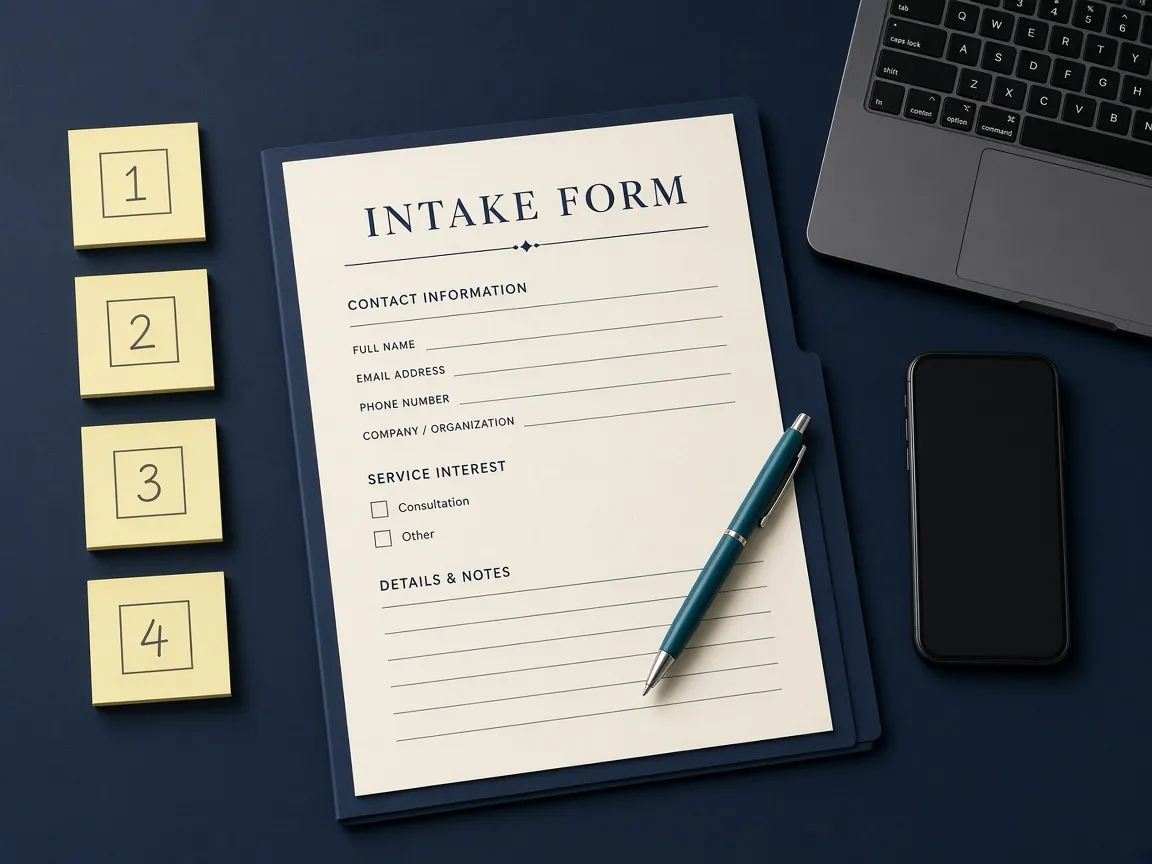
Include the Mac type, your city in California, and what you are noticing. Examples: a low-storage warning, a long wait after login, crowded Downloads, or settings you want reviewed after an update.
The contact form sends those details for review. Do not include Apple ID passwords, macOS administrator passwords, or payment information. Those are not needed to start a request.
Some issues are a fit for a remote walkthrough of settings and files. Others are easier in person, or may need a different kind of provider, such as hardware repair. That assessment happens after the request arrives.
If we proceed, the work, timing, and remote or on-site method are confirmed with you. No session begins until that scope is clear.

Remote
Remote assistance is not standing access to your computer. If a remote session is appropriate, it is arranged after the request is reviewed. You must understand the process, authorize that session, remain present, and be told what changes are being proposed before they are made. You can end the session.
Remote help is used for software settings, storage review, startup items, file organization guidance, and similar maintenance tasks that can be done with you at the Mac.
On-site
On-site assistance is in-person help at a location you provide. It can be useful when external drives, several Macs, or a workspace setup are part of the job. Coverage depends on your city, timing, and the work described. It is confirmed after review, not assumed from the form.

The form collects contact details and a description of the issue so the request can be reviewed and answered. The Privacy Policy explains how that information is handled. The website does not provide a live technician chat, remote-control software embedded in the page, or automatic screen sharing.